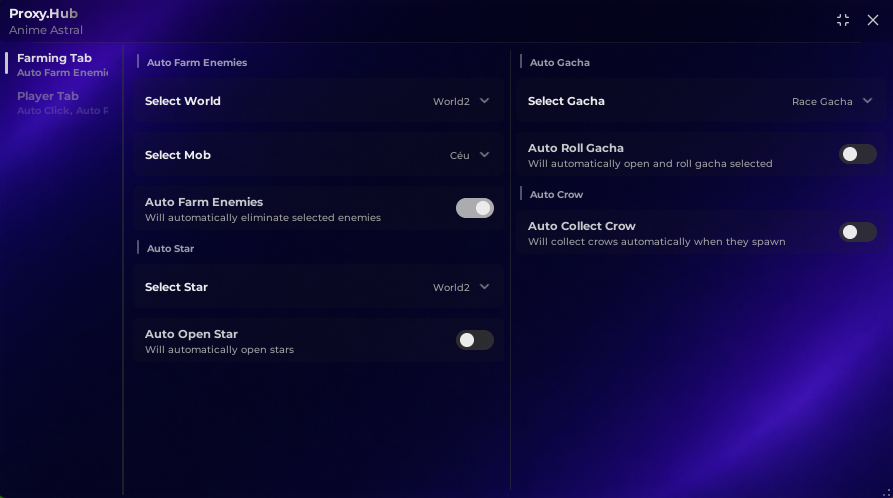
Looking for the latest Anime Expeditions Script? This script includes powerful automation features such as Auto Farm, Auto Play, Macro, and many quality-of-life functions to make gameplay more efficient. Whether you’re farming resources, completing stages, or progressing through the game, this script is regularly updated to support the latest version of Anime Expeditions.
Our goal is to provide an up-to-date script page with information about available features, compatibility, and update status.
Features
- Auto Farm
- Auto Play
- Macro
- Auto Quest
- Auto Retry
- Auto Collect Rewards
- Auto Upgrade
- Auto Summon
- Auto Challenge
- Auto Raid
- Auto Dungeon
- Auto Equip Best
- Auto Rejoin
- Teleport
- FPS Boost
- Performance Mode
- No Key System
- Regular Updates
This is made by Vellure Hub – join their discord to get the updates and more information
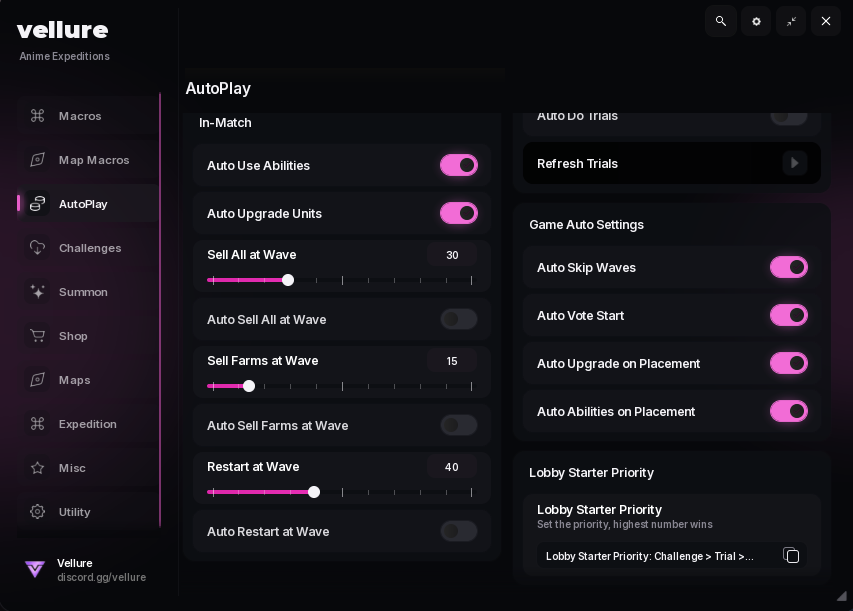
Download Anime Expeditions Script:
loadstring(game:HttpGet("https://raw.githubusercontent.com/NyxaSylph/Vellure/refs/heads/main/Loader"))()Why Use Anime Expeditions Script?
Automation features can help reduce repetitive actions while playing Anime Expeditions. Many players use scripts with features like Auto Farm and Auto Play to streamline grinding and repeated gameplay loops. Always review the script’s features and compatibility before using it.
Compatibility
The latest Anime Expeditions Script is designed to support current game updates whenever possible. If a Roblox update causes compatibility issues, the script may require an update before functioning again.
Frequently Asked Questions
Is there a No Key version?
Yes, many releases provide a version that does not require completing a key system.
Does it have Auto Farm?
Yes, Auto Farm is one of the primary features.
Does it support Auto Play?
Yes, Auto Play is available in supported versions.
Is the script updated?
The page is updated whenever a new working version becomes available.
How To Anime Expeditions Script
- Launch Roblox
- Open Anime Expeditions | Play on Roblox
- Start your executor
- Copy the script
- Paste it into your executor
- Execute
- Enable desired features from the GUI
Always use the newest version for best compatibility.
![[🔥UPDATE] Clean The Library Script – Auto Clean, Auto Sort & Book Save (2026)](https://scriptsrbx.com/wp-content/uploads/2026/06/Screenshot_20.png)