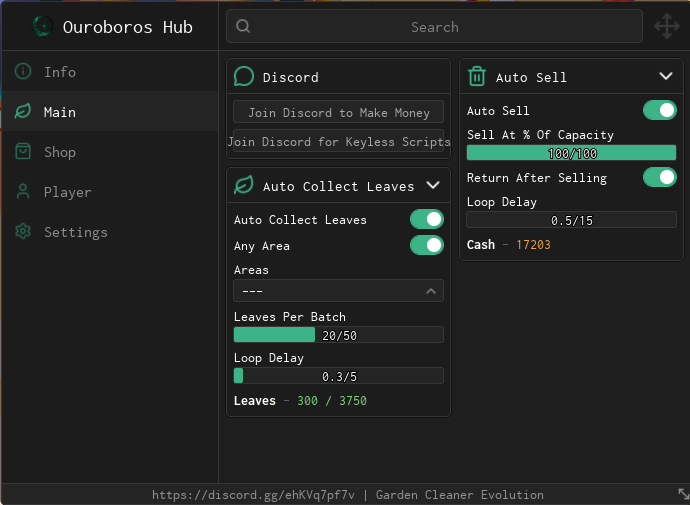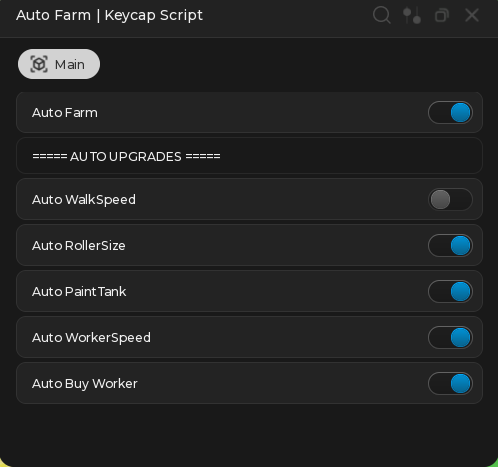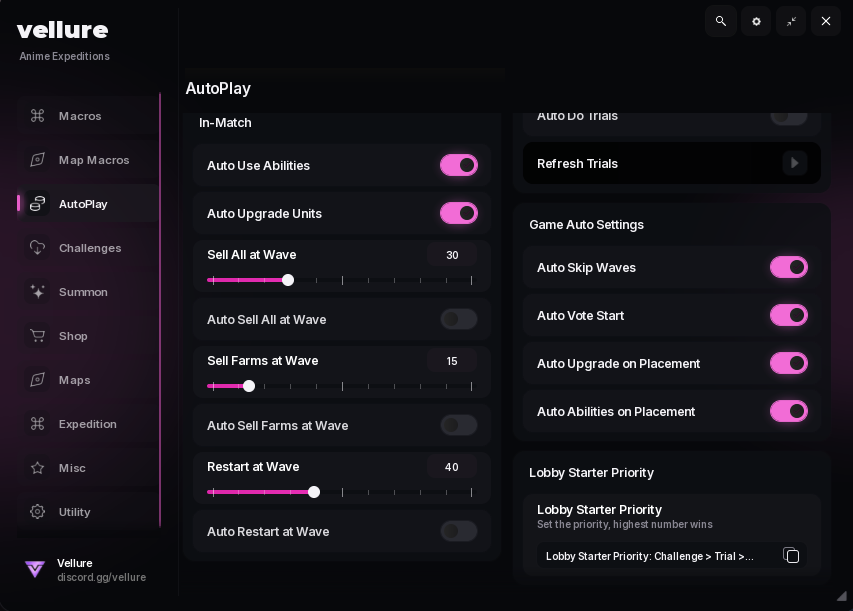
Looking for a Dig & Clean script that handles the grind for you? This one covers the full loop with Auto Dig, Auto Clean, Polish Farm, and Auto Sell, so the dig, clean, polish and sell cycle keeps running while you do something else.
Dig & Clean is a Roblox digging game built around finding buried items, cleaning them up, and displaying or selling what you pull out of the ground.
The hub below is aimed at players who would rather not repeat the same dig-and-clean rotation by hand for hours. Everything it can do is listed underneath, followed by setup steps and answers to the questions that come up most.
Dig & Clean Script Features
- Auto Dig — Finds nearby dig spots and keeps digging without any input from you.
- Instant Dig — Cuts the dig animation short so each hole finishes right away.
- Auto Clean — Sends whatever you pull up straight to the workbench to be cleaned.
- Instant Clean — Takes the waiting out of the cleaning stage.
- Auto Polish — Runs the polishing station on its own and collects the finished pieces.
- Auto Place & Replace — Fills your pedestals with cleaned finds and swaps them when better ones show up.
- Rarity Filter — Limits digging to only the rarities you actually want.
- Auto Sell — Clears your inventory for cash on an interval you set.
- Sell When Backpack Is Full — Empties the backpack the moment it hits capacity so farming never stalls.
- Auto Buy Shovel — Upgrades you to the best shovel your money can cover.
- Auto Buy Spray — Picks up the strongest spray available as your funds grow.
- Auto Buy Detector — Keeps your detector at the highest tier you can afford.
- Auto Island Travel — Moves you between the starter island and the later ones automatically.
- WalkSpeed — Raises movement speed anywhere from 16 up to 500.
- Fly — Lets you move freely above the map instead of walking it.
- Anti-AFK — Keeps the session alive through long farming runs.
- FPS Boost — Strips back visual effects to keep frames stable while everything runs.
This is made by snowy – join their discord to get the updates and more information
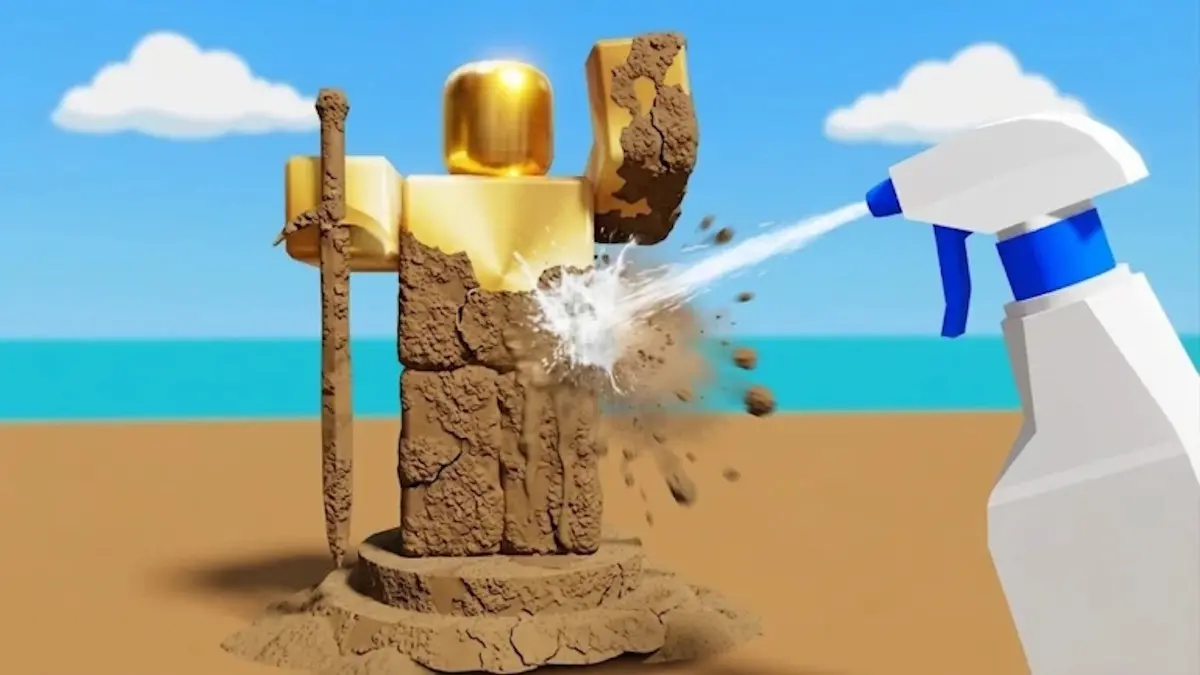
Download Dig & Clean Script:
loadstring(game:HttpGet("https://flowauth.net/v1/ui/a87f00d9adf63658655fcd02ab86a4ef.lua"))()How To Use The Dig & Clean Script
- Open Roblox and launch Dig & Clean
- Start your preferred Roblox executor.
- Copy the Dig & Clean script above.
- Paste the script into your executor.
- Execute the script and complete the key step when the window appears.
- Open the GUI and enable your desired features.
Popular features include:
- Auto Dig
- Instant Dig
- Auto Clean
- Auto Polish
- Auto Sell
- Rarity Filter
Dig & Clean Script FAQ
Does the Dig & Clean script need a key?
Is the Dig & Clean script free?
Which executors work with this script?
Can I use the Dig & Clean script on mobile?
Why did the script stop working?
Will using this script get my account banned?
More Roblox Scripts
- DUMP [ALPHA] Script – Unlock Gates, Instant Steal & Dig (No Key)
- Dig and Hatch a Brainrot Script – Auto Farm & Instant Dig (No Key)
- Keyless Bee Swarm Simulator Script (2025) – Free Auto Farm, Auto Dig & More
- NEW Free DIG Script! 🔥 Auto Pile, Auto Dig, Auto Pizza & More! (NO KEY 2025)
- Garden Cleaner Evolution Script – Auto Clean, Farm, Sell & Rebirth
Always use the latest updated version for the best compatibility and performance.