Best Roblox Steal a Brainrot script 🧠 Auto farm, fast steal, and instant rewards with a smooth keyless GUI. 100% free, safe, and updated for 2025 — dominate every match easily! If you’ve been grinding endlessly in Roblox Steal a Brainrot, this brand-new Steal a Brainrot Script changes the game completely. With its smooth auto farm, fast steal, and keyless GUI, you can level up, collect wins, and climb leaderboards automatically — all without any ads, keys, or slowdowns.
This script makes gameplay faster, smarter, and way more efficient. Whether you want to farm resources, boost your score, or explore new updates safely, the ScriptsRBX-tested version ensures 100 % stability and smooth performance.
Main Features of the Steal a Brainrot Script
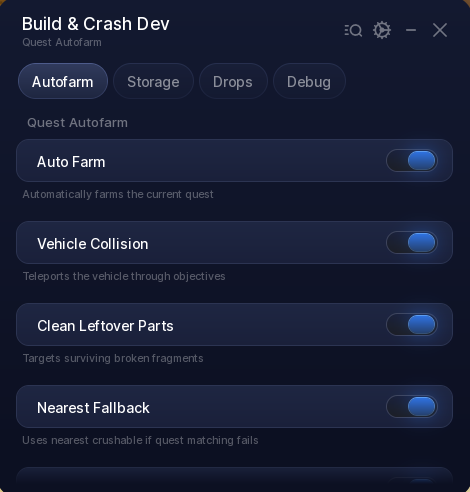
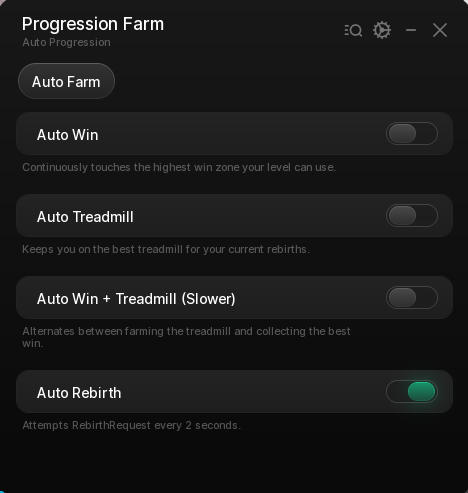
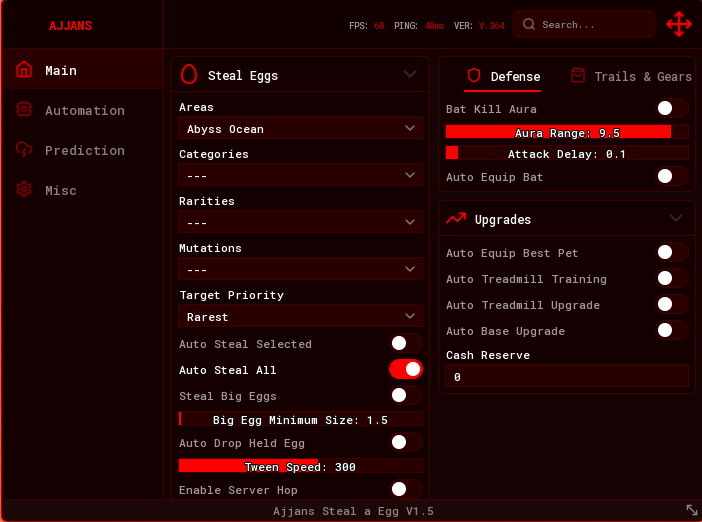
- Auto Farm – Automatically collects and grinds without manual effort.
- Fast Steal System – Boosts your reaction and pick-up speed with optimized timing.
- Keyless GUI – No external keys or ads — load instantly and start farming.
- Teleport / Movement Tools – Move around maps faster and avoid repetitive paths.
- Data Save / Auto Rejoin – Keeps your session active even after disconnects.
- Safe Execution – ScriptsRBX verified; no malware, lag, or obfuscation issues.
- This Steal a Brainrot script was created by Ugly Script.
For updates, new features, or support, you can join their official Discord server here:
👉 https://discord.gg/ZV9n7GgA
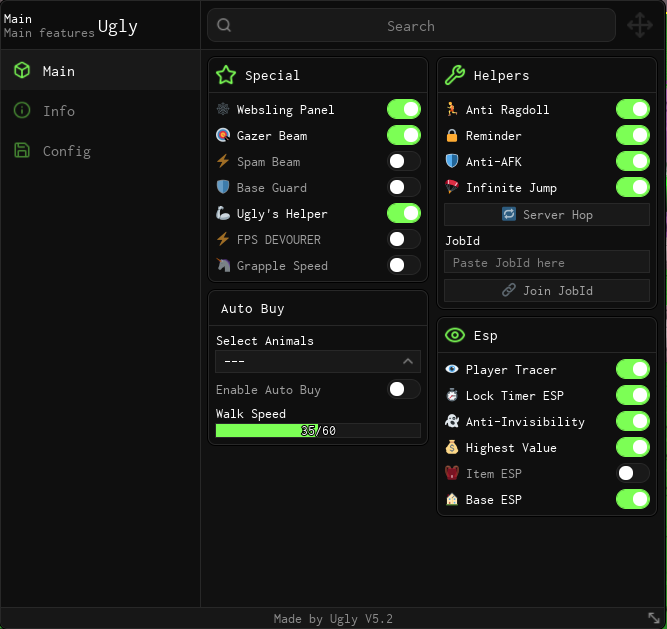
Download Steal a Brainrot Script by Ugly V5.2 Script:
loadstring(game:HttpGet("https://api.luarmor.net/files/v3/loaders/53325754de16c11fbf8bf78101c1c881.lua"))()How to Use
- Launch Roblox Steal a Brainrot.
- Open your preferred executor
- Copy the script from ScriptsRBX.com and paste it in.
- Press Execute to open the GUI.
- Toggle Auto Farm and Fast Steal — enjoy effortless gameplay!
💡 Pro Tip: Pair Auto Farm + Teleport for maximum reward gain in every round.
👉 Discover more Roblox scripts here: ScriptsRBX Roblox Scripts Collection